Nadia

Nadia is the first digital colleague to join the company, and she holds the team together: next to her come the others, each with a role.

Download the Nadia app for Mac or Windows and install it on a dedicated computer in your company. Your digital colleagues live and work there.

From your browser to your spreadsheets

Nadia works across your company’s programs and connected apps, and prepares files your team can use.

Works in the browser

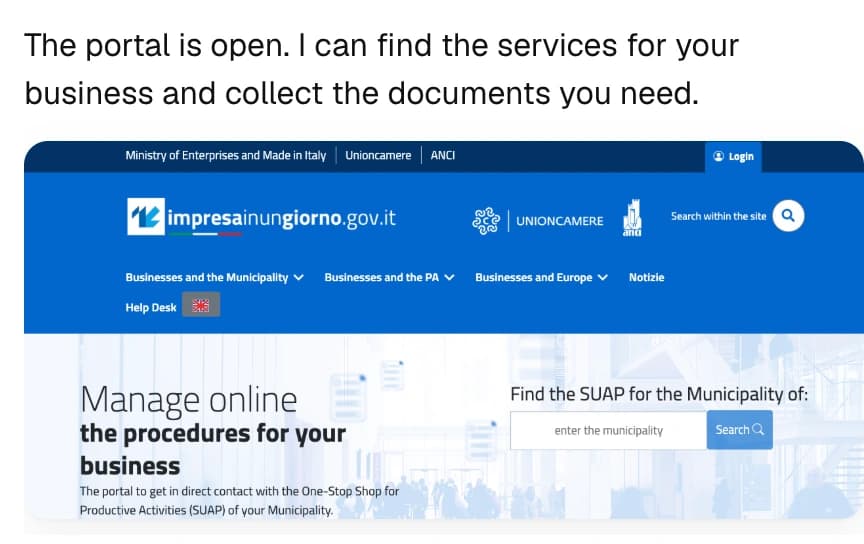
She navigates websites, finds information and fills in forms. Web tasks become part of your colleague’s working day.

Excel, Word, slides and PDF

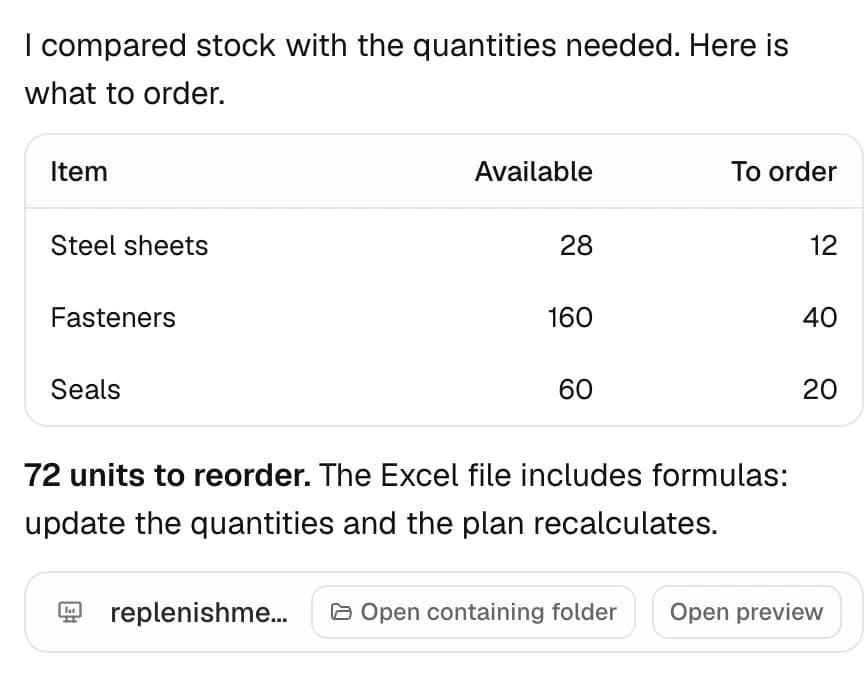
Reconcile a workbook, build formulas and charts, or turn documents into a report. The result is a file you can keep working on.
Start with a role. Make it yours.

Skills, plugins and Agent templates, with a catalog curated by nadicode for small businesses in Italy.
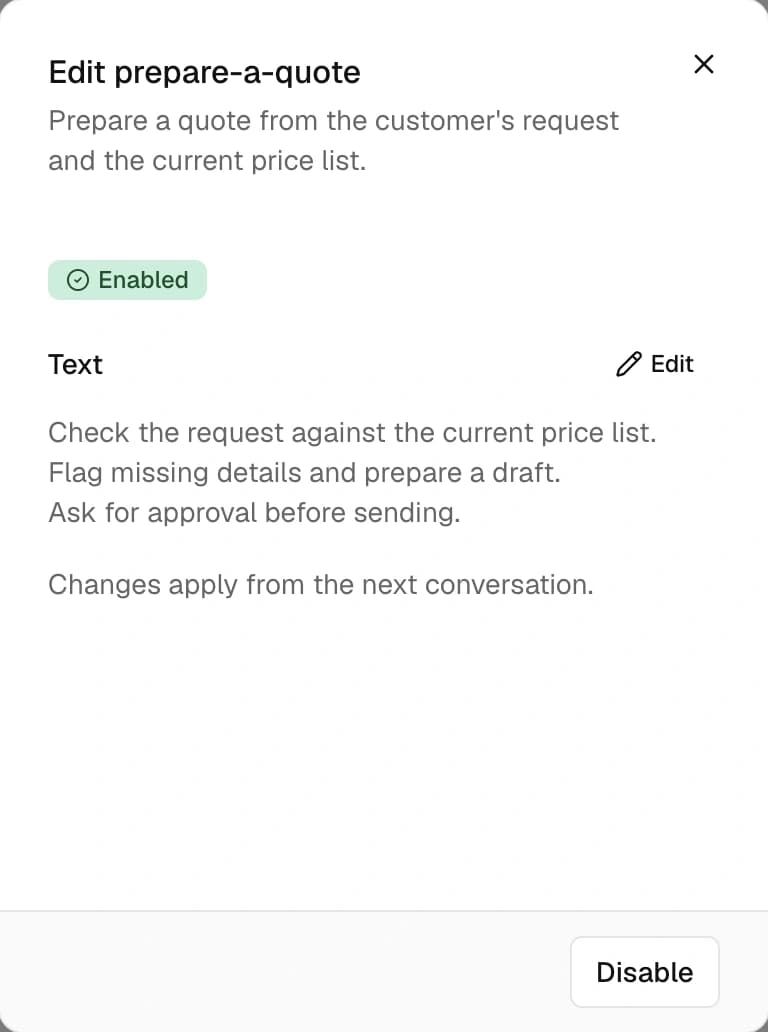
  • Agent templates. Choose a starting role, give your colleague a name and create it with its instructions and skills.
  • Skills that grow with the work. Nadia can write reusable procedures. Review them, adapt them and share them with your company’s other colleagues.
  • Plugins for more capabilities. Add tools from the Library and choose which colleagues can use them.

The next job starts with what you already taught her

Nadia recalls relevant facts, connects them to past work and keeps your corrections for the next conversation.
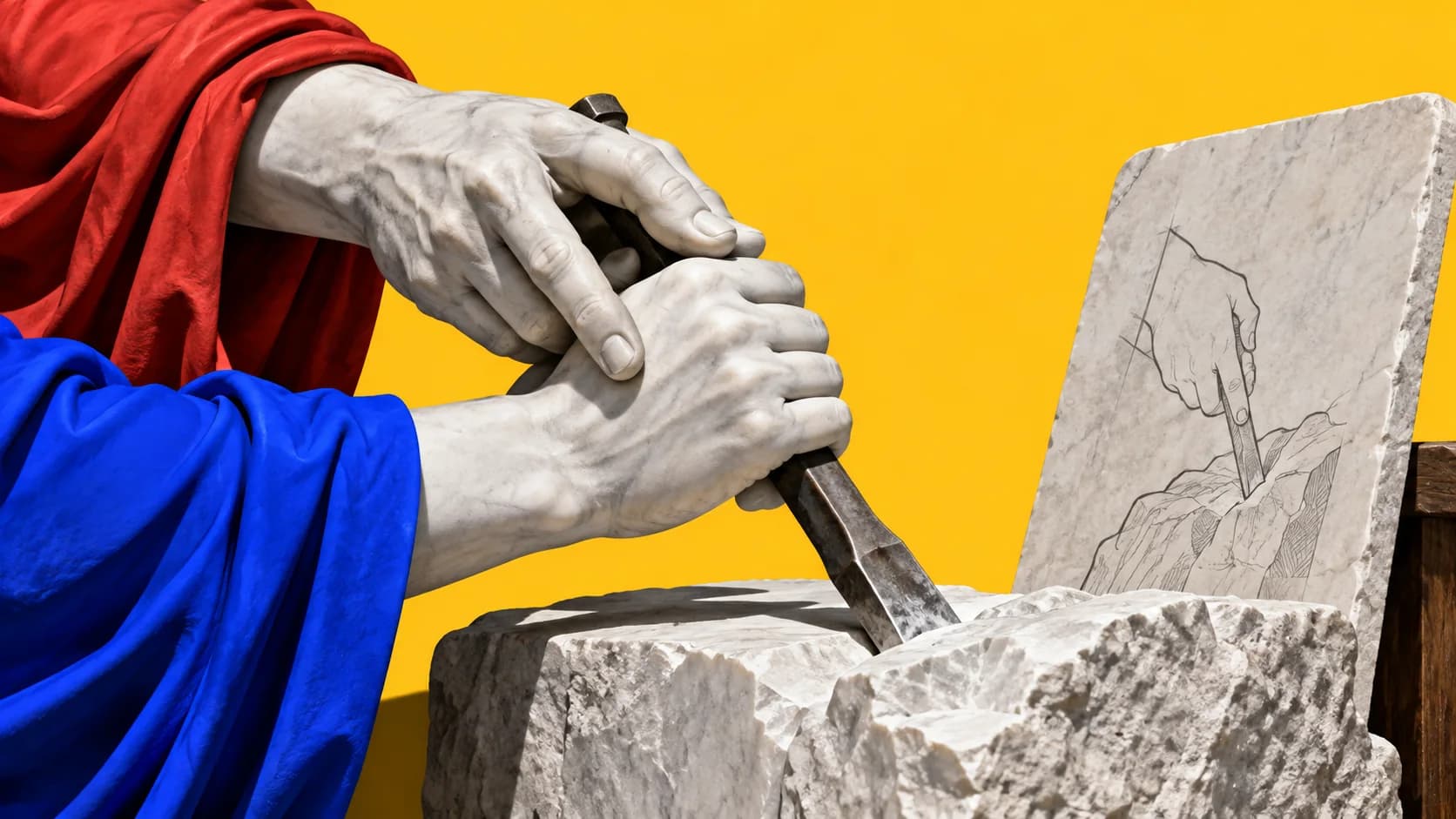
A craftsperson guides an apprentice's hands over a drawing carved in stone.
  • Personal context. Each person’s conversations have their own context and preferences.
  • Company knowledge. Internal knowledge helps colleagues work from the same procedures and decisions.
  • Information for outside contacts. Clients and suppliers draw on their own context and information intended for external use.

A company wiki, built from your work

Turn documents and decisions into linked reference pages. Keep sources, procedures and explanations together in files your company owns.

300+ models. The choice stays yours.

Different models for reasoning, images and background work, through one account.
  • Anthropic
  • OpenAI
  • Google
  • xAI
  • DeepSeek
  • Mistral
  • Routing by task. Nadia automatically uses the model chosen for each kind of work, from reading an image to recalling what she has learned.
  • A second model when needed. If a model is unavailable, Nadia can switch to another chosen for that work.
  • Change the model, keep the knowledge. Your colleagues keep their skills and memory when you switch models.

Your apps. Your conversations.

Give Nadia access to the tools you use and reach your colleagues through the channels your team knows.

App Connectors

Click Connect, sign in and approve access. Email, calendars and documents become part of the work.

  • Gmail
  • Google Drive
  • Google Calendar
  • Outlook

Messaging

Send work and receive replies in WhatsApp, Telegram, Slack, Discord or Microsoft Teams.

  • WhatsApp
  • Telegram
  • Slack
  • Discord
  • Microsoft Teams
  • Scheduled work. Give your colleague recurring work, from a Monday report to a daily check for funding calls.

Nadia coordinates the team

Each colleague has a role. Give them work directly or ask Nadia to coordinate it.

Sales
Administration
Production
IT

Your team, managed in the Portal

Create colleagues, choose their tools and follow your company’s usage in one place.
Portal
  • Giulia Ferri
Included used
Renews 1 October
x
46%of Included used · 3 accounts

Agents

State and latest reported task · report from 2 minutes ago.
AgentState
AdministrationInvoices, payments, the day book
Working
Reported task
Prepare supplier payments · running
ProductionWork orders and deadlines
Idle
Reported task
Weekly orders · completed
SalesQuotes and customer requests
Working
Reported task
Prepare quote · running
Public paperworkApplications and deadlines with public bodies
Needs attention
Reported task
Submit application · failed task
Management systemRecords and price lists
Idle
Reported task
Update price list · completed yesterday at 16:40
  • Deploy from the Library

    Choose a template and where the colleague will work. Nadia sets it up at the next sync.

  • Settings that follow the team

    Change models, skills and plugins in the Portal. Nadia receives the updates when it syncs.

  • Usage by account and colleague

    See which models your colleagues use and how usage changes over time.

  • People and access

    Manage member roles and subscriptions in your company’s space.
Your company keeps what it learns

Conversations, skills and memory live on the computer dedicated to Nadia. Models and connected apps receive the content needed for the work.
  • Zero data retention, on request. Available for supported models. Web search and connected services follow their own data policies.
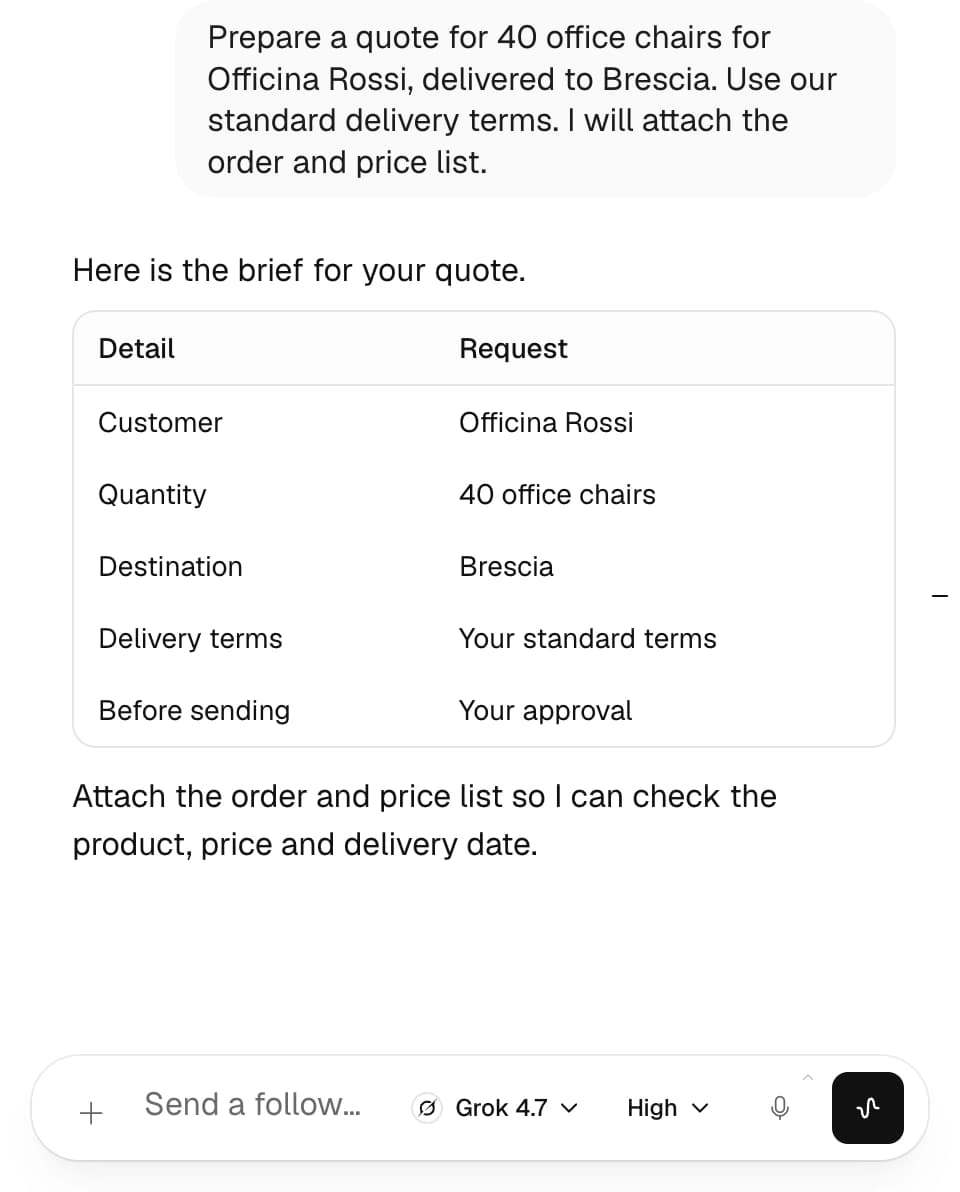
  • People approve. You choose when a colleague asks for your approval before acting.

How it starts

It starts with a conversation: we choose together the first job to hand over, and you see it at work before you decide.
A marble café table with two espresso cups facing each other and a blue phone between them.